Furniture Visualizer Guide: See It Before You Buy

You're standing in the living room with painter's tape, a measuring tape, and a sofa photo on your phone, trying to answer one stubborn question, will this thing fit? That moment is exactly why a furniture visualizer has become such a helpful pre-shopping homework tool. It gives shoppers a way to test size, style, and layout before they ever walk into a showroom.
For a lot of families, that little planning step lowers the stress. The room stops feeling like a guessing game, and the furniture search starts feeling manageable.
Why Shopping for Furniture Feels So Hard
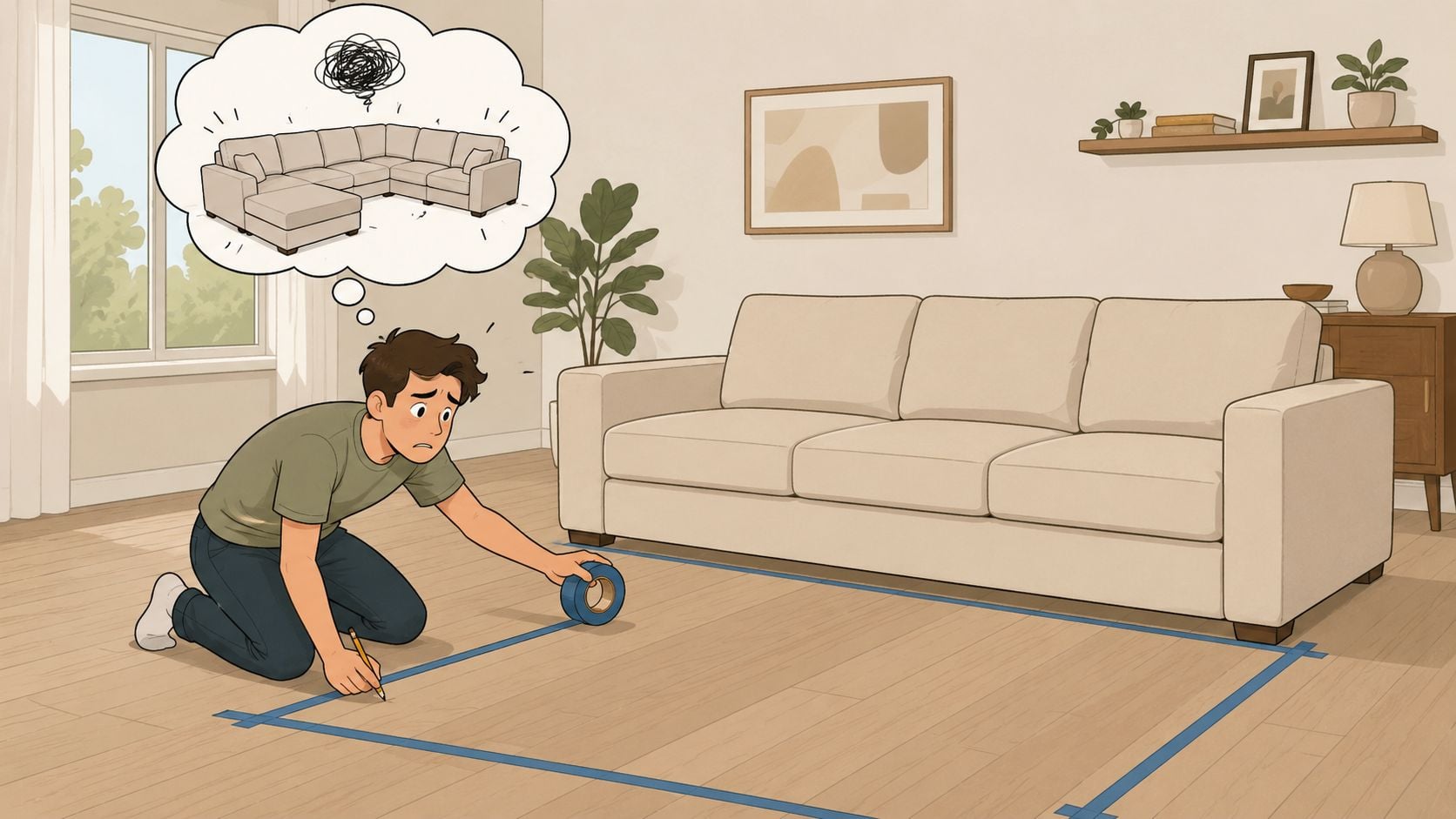
A living room can look spacious until a sofa shows up on paper. Then the questions start piling up. Will the chaise block a walkway? Will the arm height crowd a window? Will the sectional make the room feel tight instead of welcoming?
That's why people reach for painter's tape on the floor. It's a simple trick, but it only goes so far, because tape can't show fabric, finish, or how the piece feels in the room.
Practical rule: if a piece only looks good in a showroom photo, there's still too much uncertainty left.
A furniture visualizer steps into that gap. It gives shoppers a way to see proportions in context, which matters because furniture is unusually dependent on fit, scale, and aesthetics. Public reporting around the launch of IKEA Place in September 2017 described how quickly that kind of home preview caught on, and by 2026 a 3D Cloud study reported that 62% of shoppers say it's challenging to visualize how furniture will look in their home, which helps explain why these tools moved from novelty to something many shoppers now expect (market commentary on IKEA Place).
For shoppers, the emotional benefit is simple. The room gets less mysterious. The decision gets less rushed. And the first question changes from “Will it fit?” to “Does this work for the way the room is used?”
Learn more about the furniture buying journey from research to decision
What a Furniture Visualizer Actually Is
A furniture visualizer is a digital tool that lets someone view, rotate, customize, and place furniture in a realistic room setting before buying. Some shoppers use it on a phone, some on a browser, and some in a fuller room-planning interface. The point is the same, it helps a buyer see the piece in context instead of imagining it from a flat product photo.
Three common types
Augmented reality apps place furniture into a real room through the phone camera. That works well when the shopper wants a quick “how does this look here?” check without building a full layout.
3D room planners build a digital version of the space. These are useful when the layout matters, like a sectional, a dining set, or a room with awkward walls and traffic paths.
Web-based configurators focus on one product and let the shopper rotate it, switch finishes, or compare material choices. These are strongest when the buyer is narrowing down style details rather than planning a whole room.
| Furniture Visualizer Types at a Glance | Best For | Where It Runs |
|---|---|---|
| Augmented reality apps | Fast room preview in a real space | Phone camera or tablet |
| 3D room planners | Layout testing and circulation | Browser, tablet, or mobile device |
| Web-based configurators | Finish swaps and product customization | Browser |
A good way to think about it is this. AR answers “how does this piece look here?”, while a room planner answers “how does this room work with this furniture?” The configurator sits between those two jobs, because it helps shoppers compare versions of the same item without leaving the browser.
Modern tools often run with WebGL and Three.js, so they can rotate, zoom, and configure products right in the browser. Source documentation also notes that completed 3D planner projects can open on tablets and smartphones with a gyroscope, which matters because many shoppers start on mobile (product visualization guidance).
See how a room sketch supports furniture planning
How the Magic Happens Behind the Scenes
The pretty image on screen starts with a careful pipeline. Teams usually prioritize the highest-velocity SKUs first, then model the item, craft the room scene, set the lighting, apply textures, and finish with rendering and post-production. None of that is glamorous, but each step affects whether the result looks like a real sofa or a cartoon placeholder.
Why accuracy depends on more than polygons
A chair can have a lot of geometry and still look off if the texture scale is wrong. It can also look wrong if the lighting is too warm, too flat, or too dramatic. That's why UV mapping matters, it connects the flat texture to the 3D shape so wood grain, leather, or fabric pattern sits where it should.
Tailoring a suit is a good analogy. The fabric can be excellent, but if the cut is wrong, the whole thing feels off. The same idea applies here, because finish accuracy depends on texture scale and lighting calibration, not just shape detail.
A visualizer is only as believable as the asset pipeline behind it.
That's also why retailers often build a master asset library for the highest-velocity pieces first, then reuse those assets across web, mobile, and AR placements. Consistency matters. If the same chair uses the same geometry and materials everywhere, shoppers don't get conflicting impressions from one channel to the next.
The technical stack is there to keep the experience smooth, not to impress anyone with jargon. Browser-based delivery helps the tool stay accessible, while optimized scene complexity prevents lag on everyday devices. For shoppers, that means the tool feels responsive instead of heavy.
How furniture measurement helps visual planning work better
Smart Tips for Getting the Most Out of a Visualizer
The best results start before the screen opens. Wall lengths, ceiling height, door swings, vents, and walking paths all deserve a look first, because a room can technically fit furniture and still feel cramped. That's especially true in homes with narrow entries, open-concept layouts, or odd corners.
A simple routine that keeps the guesswork down
Measure the big boundaries first. Wall lengths and ceiling height set the frame for everything else. Without those numbers, even a good visualizer is missing context.
Check what the furniture has to live around. Door swings, floor vents, outlet locations, and radiators can change how a piece sits in the room. A sectional that looks fine in a clean digital layout may be awkward once those real-world details are added.
Watch circulation paths. The room needs a clear way to move from one spot to another. A sofa can fit and still make the room annoying to use if it narrows the path too much.
Compare more than one light setting. The same chair can read warmer or cooler depending on the room's lighting. A finish that looks calm in daylight can feel heavier at night under lamps.
Good habit: take a screenshot of the layout, then bring it to the showroom with the measurements.
That screenshot becomes a starting point for a real conversation. It helps a showroom team understand the size, shape, and style the shopper is aiming for without starting from zero.
For shoppers who like to compare product photos while planning, a visualizer works best when it's paired with careful measurement and a second look in person. Using online furniture photos to make smarter buying decisions
Where Visualization Meets Real Furniture Shopping
A visualizer is strongest when it helps narrow choices before a store visit. That matters for smaller apartments, narrow hallways, come-apart sectionals, and rooms where scale is tight. It also helps with custom upholstery or wood finishes, because the buyer can compare options before sitting down with a team in person.
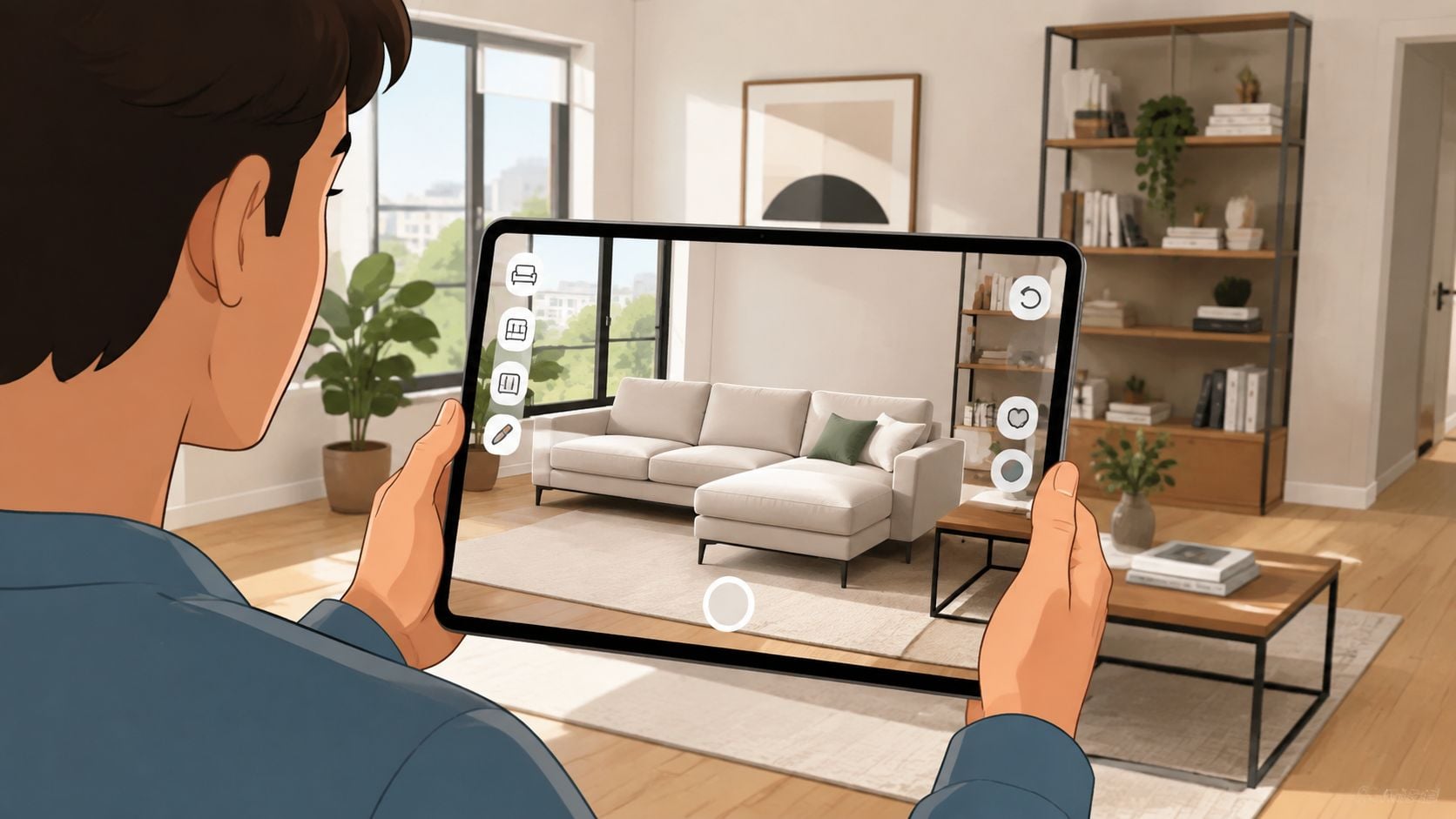
A screenshot or layout from a visualizer gives a showroom team a clean place to start. At BILTRITE Furniture-Leather-Mattresses, that kind of homework pairs well with a staff-led visit, because the team can confirm proportions, check comfort, and talk through in-stock and custom options that match the plan. For delivery concerns, details like narrow doorways and tricky access also matter, which is why our white-glove delivery service can be part of the conversation too.
What still needs to happen in person
Comfort still has to be felt. A screen can't tell someone how a seat cushion supports the body or how a recliner feels after a few minutes.
Finish still needs to be seen under real light. Photos and visualizers help, but the showroom shows how wood, leather, and fabric behave in the actual room and under the eye.
Custom details still need a human conversation. Made-to-order furniture often involves choices that are easier to understand when someone can point, compare, and ask follow-up questions face to face.
That's why the visualizer works best as homework, not a substitute for the showroom. It helps a shopper arrive with a plan, then the in-person visit turns that plan into a better decision.
Privacy, Compatibility, and Accuracy Questions Answered
A lot of shoppers ask whether a furniture visualizer is hard on privacy or hard on their phone. Modern visualizers are built for browser use, so they can run inside a web page without a separate app. Many current phones and tablets can handle that kind of experience because browser-based systems often rely on standard graphics tools like WebGL and Three.js.
The bigger question is accuracy. A visualizer can help with placement, but it still is not the same as standing in the room with the furniture. Color can shift because of the room's lighting, screen settings, and surrounding surfaces. Shoppers should treat the image as a best-available approximation, not as a final promise.
A simple sanity-check routine
Compare the visualizer with a swatch or sample. Fabric, leather, and wood finishes can look different on a screen than they do in natural light, so a real sample gives the eye something solid to judge.
Use measurements as a second filter. If the visualizer shows a piece fitting, the room still needs a real-world check for doorways, walking space, and clearance. A sofa that looks right on screen can still feel too tight once it is measured against the room itself.
Test awkward spaces carefully. Rooms with angled walls, columns, or sloped ceilings deserve extra caution, because a piece can technically fit and still make the room feel clumsy. A layout can look balanced in a render and still crowd a walkway in person.
Helpful expectation: the tool is there to reduce uncertainty, not erase it.
That expectation keeps the process honest. It also keeps shoppers from trusting a single render too much when a hands-on showroom visit can answer the final questions.
For custom and made-to-order furniture, that caution matters even more. Finish choice, scale changes, and multiple upholstery options are all easier to judge once the visualizer has narrowed the field and the showroom team can compare the physical pieces side by side.
Bring Your Visualizer Plan to Our Greenfield Showroom
Bring the screenshot, the measurements, and the rough room plan to 5430 West Layton Avenue in Greenfield. A team with over 400 years of combined experience can help match the visualizer idea to in-stock and custom USA-made and Amish-made pieces, then talk through the details a screen can't answer, like how a sofa feels.
We're closed on Sundays and Mondays, so families can plan visits around time together. That fits the way we like to do business, local, family-owned, and focused on helping neighbors make a room work better without pressure.
If the visualizer has helped narrow the search, the showroom is where the final questions get answered. Come on down to our showroom and see for yourself.
BILTRITE Furniture-Leather-Mattresses has the furniture, leather, Amish-made pieces, and mattress selection to help turn a visualizer plan into a real room. If a layout, finish, or sectional is already on the shortlist, visit BILTRITE Furniture-Leather-Mattresses and bring your measurements with you.